
WPS (Router Button) Connection
-
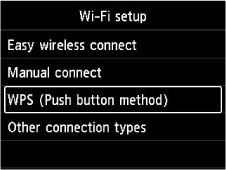
Select WPS (Push button method) and press OK button.
-
Press OK button.
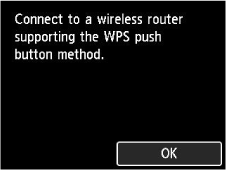
-
Press and hold the WPS button on the wireless router.
 Note
Note- For more on pressing the WPS button, see the wireless router manual.
-
Press OK button within 2 minutes.
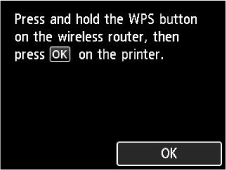
If a different screen appears, see "Troubleshooting."
-
When the following screen appears, press OK button.
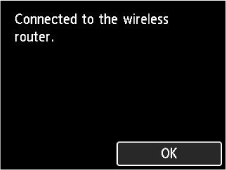
If a different screen appears, see "Troubleshooting."
-
Select
 (HOME).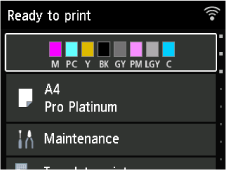
The network connection setup is now complete.
Once connection is complete,
 appears at the upper right of the screen.
 -
Proceed with the setup as follows according to your environment.
